Business context, when you need it.
Suggested replies use company information to help staff check specifications and policies. Suggestions are for staff only and are not automatically read aloud to customers.
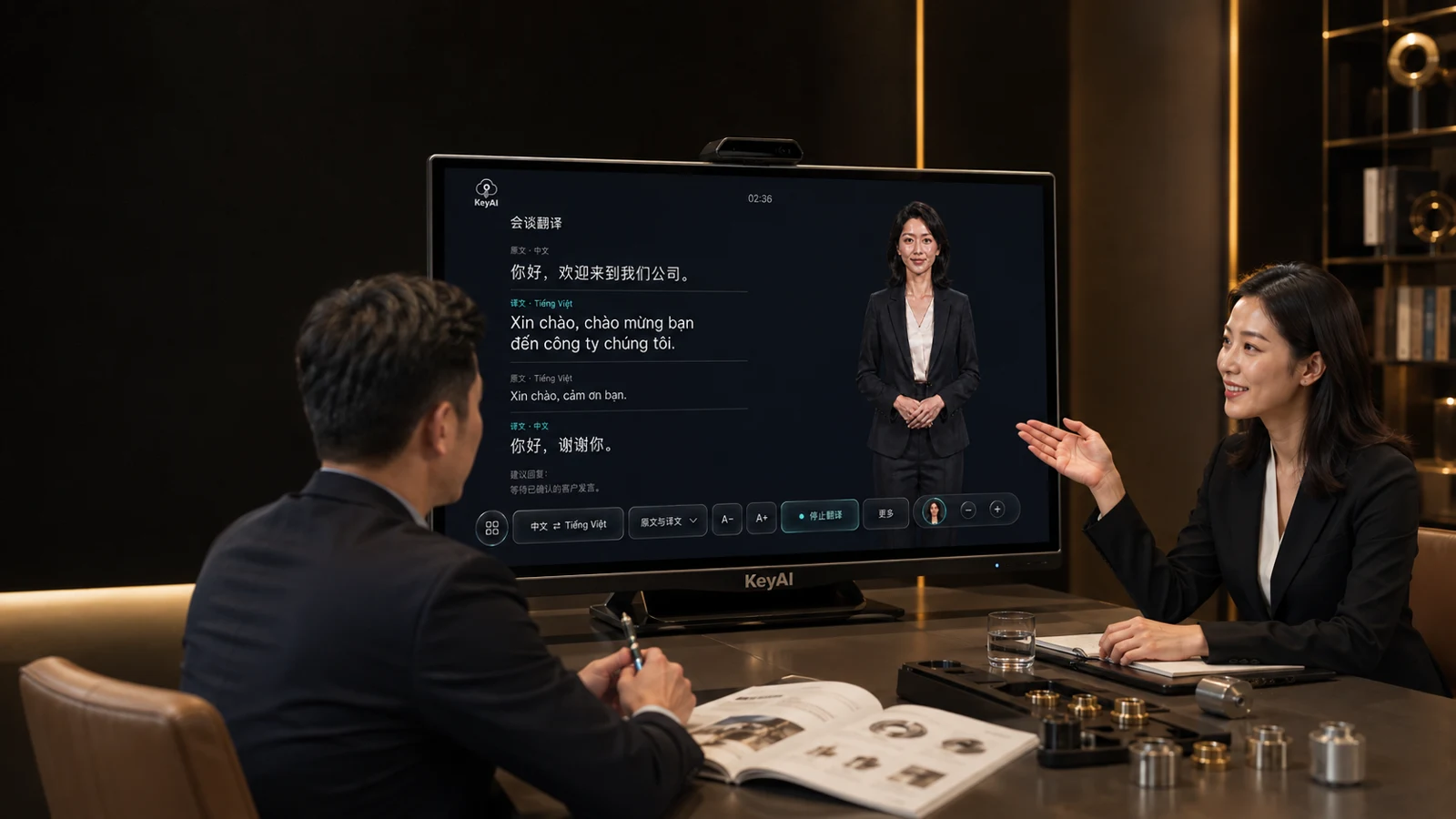
TRANSLATION · VOICE ASSISTANCE · DIGITAL PRESENTERS
Customers ask in their own language. Your team answers with business knowledge.
From company introductions and product questions to multilingual meetings,
KeyAI helps every conversation go further.
您好,欢迎来到我们公司。
Xin chào, chào mừng bạn đến công ty chúng tôi.
Illustrated use case, not an actual customer reference
One system, from first introduction to business discussion.
01 THE PRODUCT EXPERIENCE
Introduce your business, then explore what matters to the customer.
Switch between three main screens as the conversation evolves.
Designed for large screens and touch controls.
Controls sit below, keeping the content in focus.

02 YOUR KNOWLEDGE, PUT TO WORK
Product manuals, service policies and practical experience—
turn documents into knowledge your team can use on the spot.
Find intended uses and applicable conditions to help staff check models, specifications and requirements. Confirm anything the source material does not cover.
Knowledge is stored and retrieved locally. Cloud data processing depends on the selected setup.
Suggested replies use company information to help staff check specifications and policies. Suggestions are for staff only and are not automatically read aloud to customers.
Show product images and related information during a consultation. Customers can see the product and explain their intended use and requirements more clearly.
New staff can look up unfamiliar topics; experienced staff can check details. Learn through everyday work and make accumulated expertise useful to more people.
Keep company information up to date as products and policies change.
03 MADE FOR REAL CONVERSATIONS
Showrooms, front desks, meeting rooms and visitor reception.
Bring people closer across languages and information gaps.
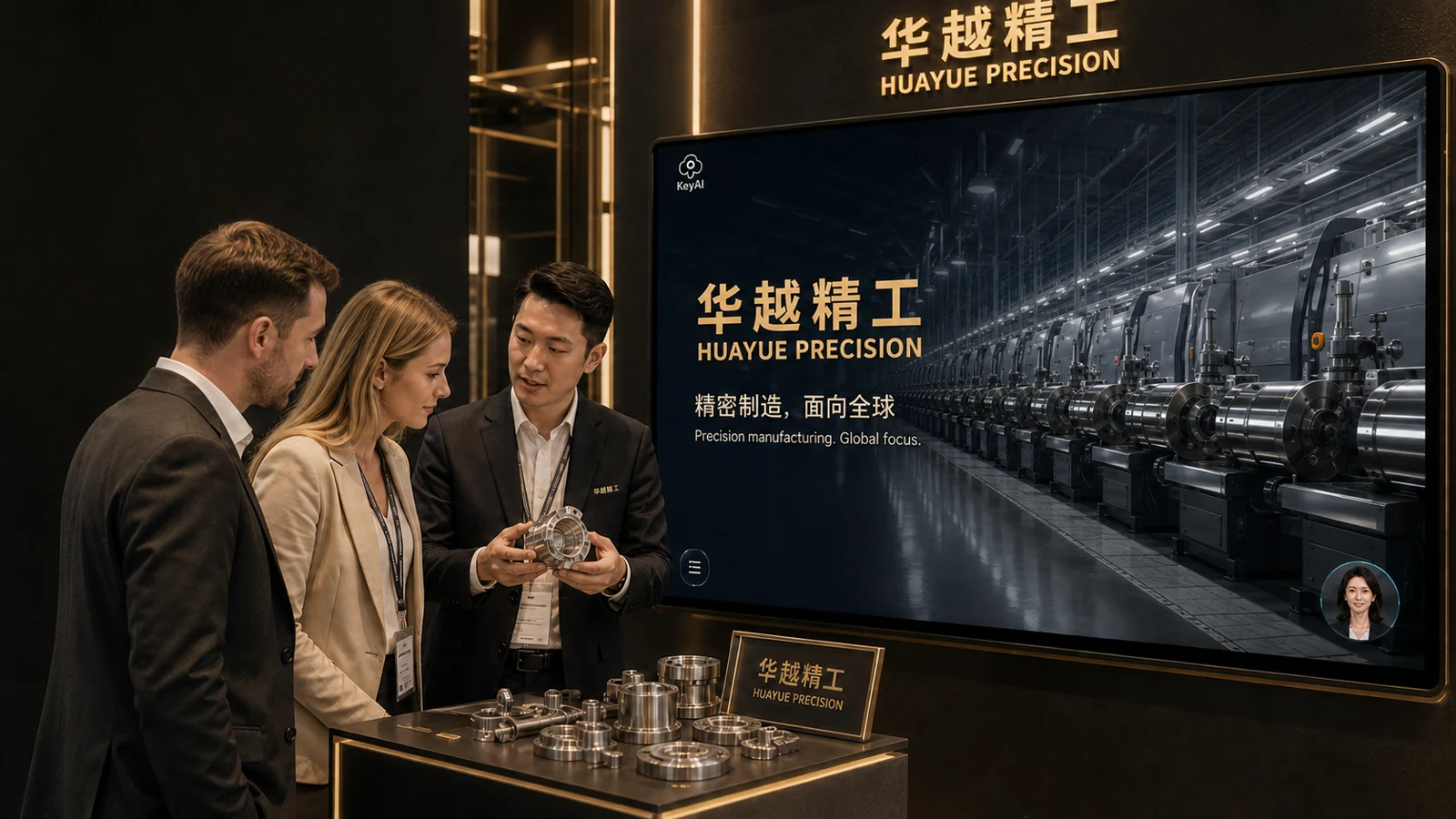
Introduce your company and manufacturing capabilities, show product information, then continue with a multilingual business discussion.
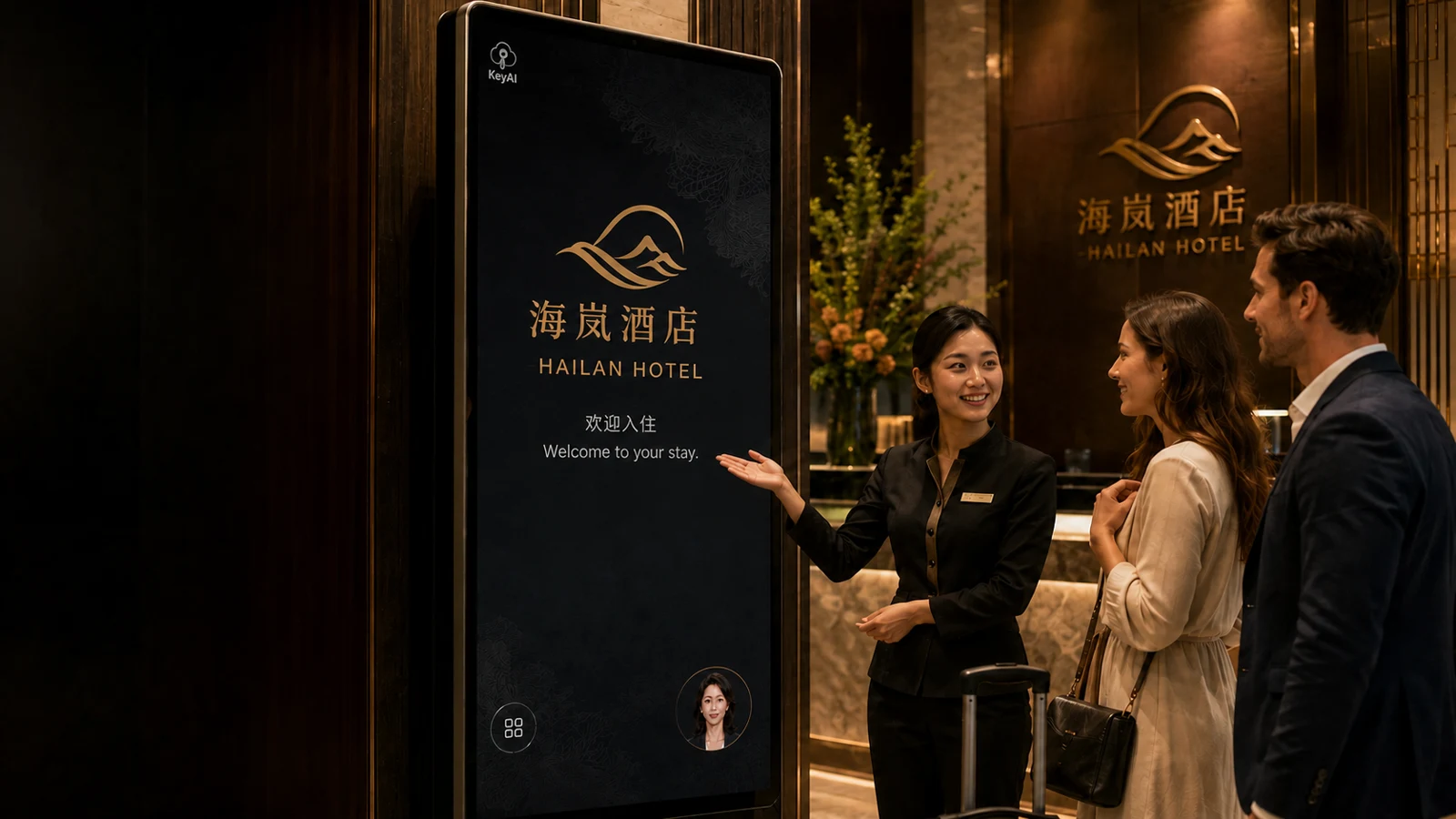
Present rooms and facilities, answer questions about published services and help front-desk staff understand international guests.
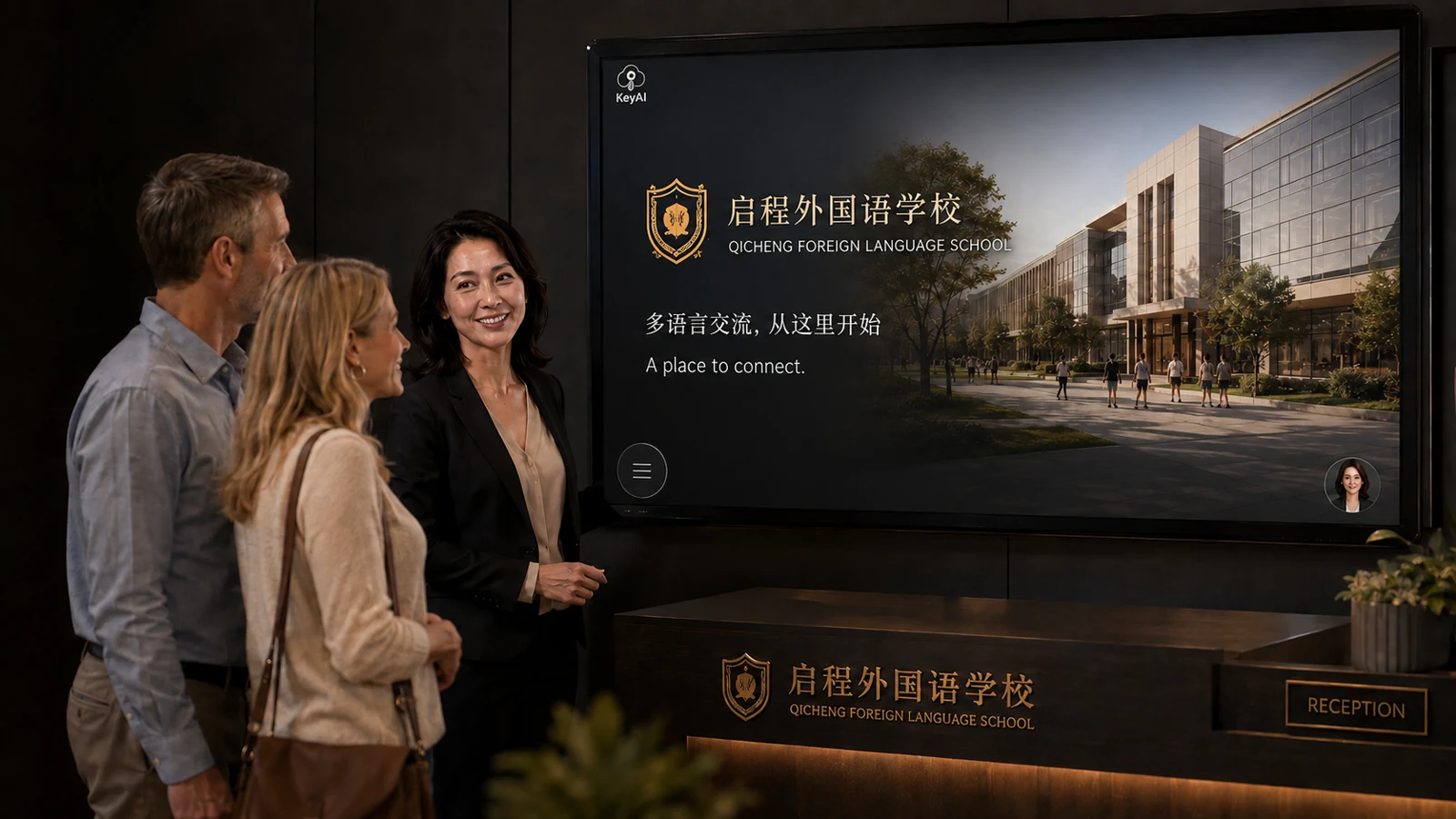
Introduce the institution, explain visitor arrangements and help staff communicate with international parents and guests.
04 MAKE IT YOURS
Start with your company information and actual reception needs.
Choose the right languages, equipment and content setup.
Company profiles, product information, service policies, FAQs and business expertise.
Company videos, slides, product images and related materials.
Language pairs, screens, microphones, speakers and network conditions.
Keep information aligned with your business so knowledge stays useful.
The current focus is Chinese–Vietnamese communication. Other language pairs depend on your needs, selected services and delivery plan.
The local knowledge base stores and retrieves company information. Whether speech recognition, translation and speech synthesis use cloud services depends on the configuration.
Controls include text size, background and text colors, and moving, resizing or hiding the digital presenter. Check the experience on your actual equipment.
KeyAI Multilingual Translation & Voice Customer Service